'/%3e%3cdefs%3e%3clinearGradient%20id='paint0_linear_6609_68599'%20x1='3.18225'%20y1='15.6908'%20x2='32.433'%20y2='20.6207'%20gradientUnits='userSpaceOnUse'%3e%3cstop%20stop-color='%230048ED'/%3e%3cstop%20offset='1'%20stop-color='%230DECD7'/%3e%3c/linearGradient%3e%3c/defs%3e%3c/svg%3e)

New in Memory: see how your work connects
What was decided last time? Who was involved? Why did you choose that approach? The answers often sit in different emails, documents, and conversations. MuseWork Memory now has a new personal view that organizes this context around you: your projects, the people you work with, your goals, and your preferences.
Choose what to bring into Memory
Start by choosing the sources you want to include. Connect and authorize relevant email, documents, collaboration tools, and calendars, or upload files such as PDFs, Word documents, and images. You decide which sources to use; you don't need to gather everything into one document first.
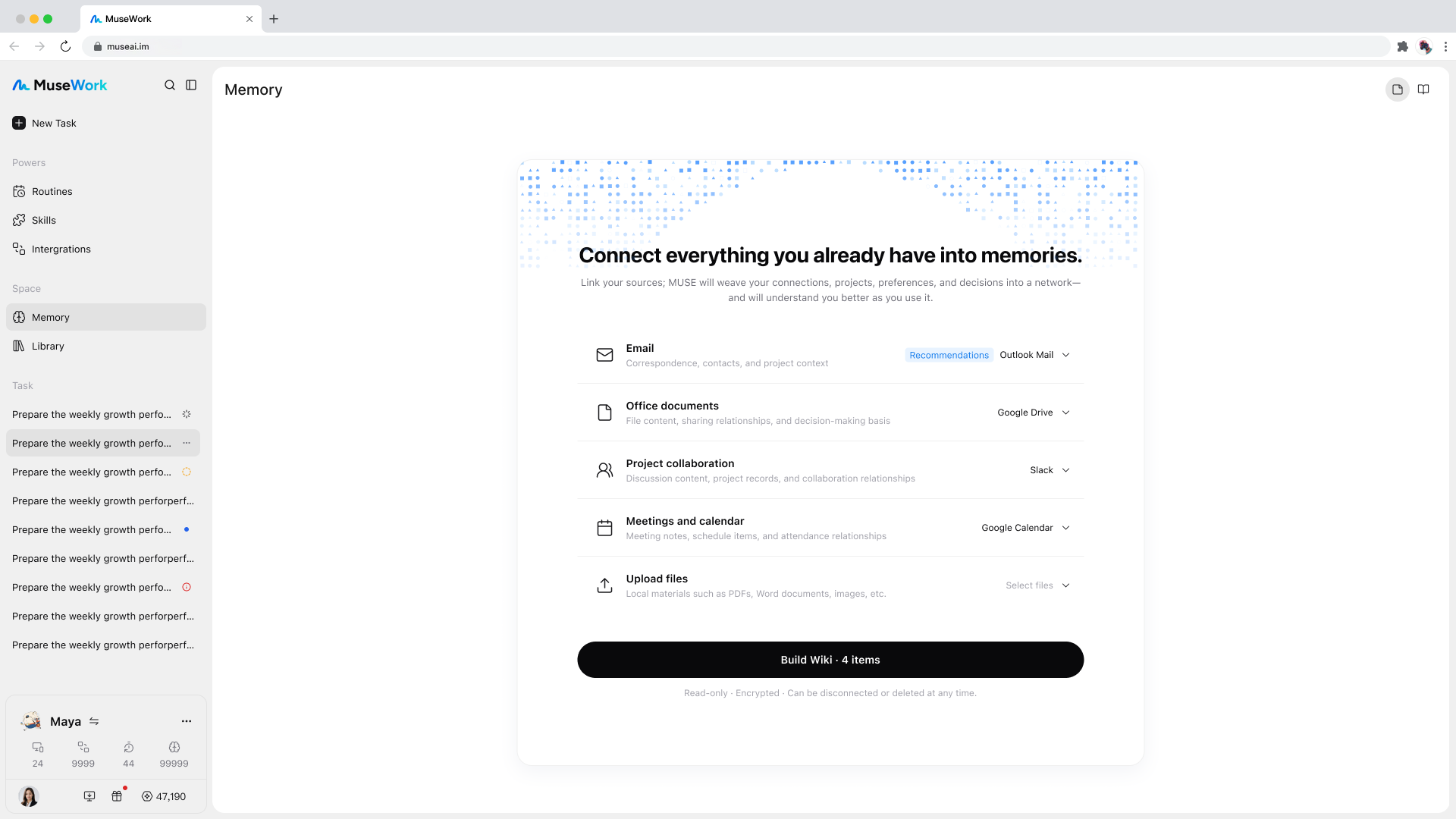
Follow the progress without staying on the page
As Memory reads and organizes the selected material, you can see each source's progress and the people, projects, and preferences it has found so far. You can move to another page without interrupting the build, then come back when it is ready.
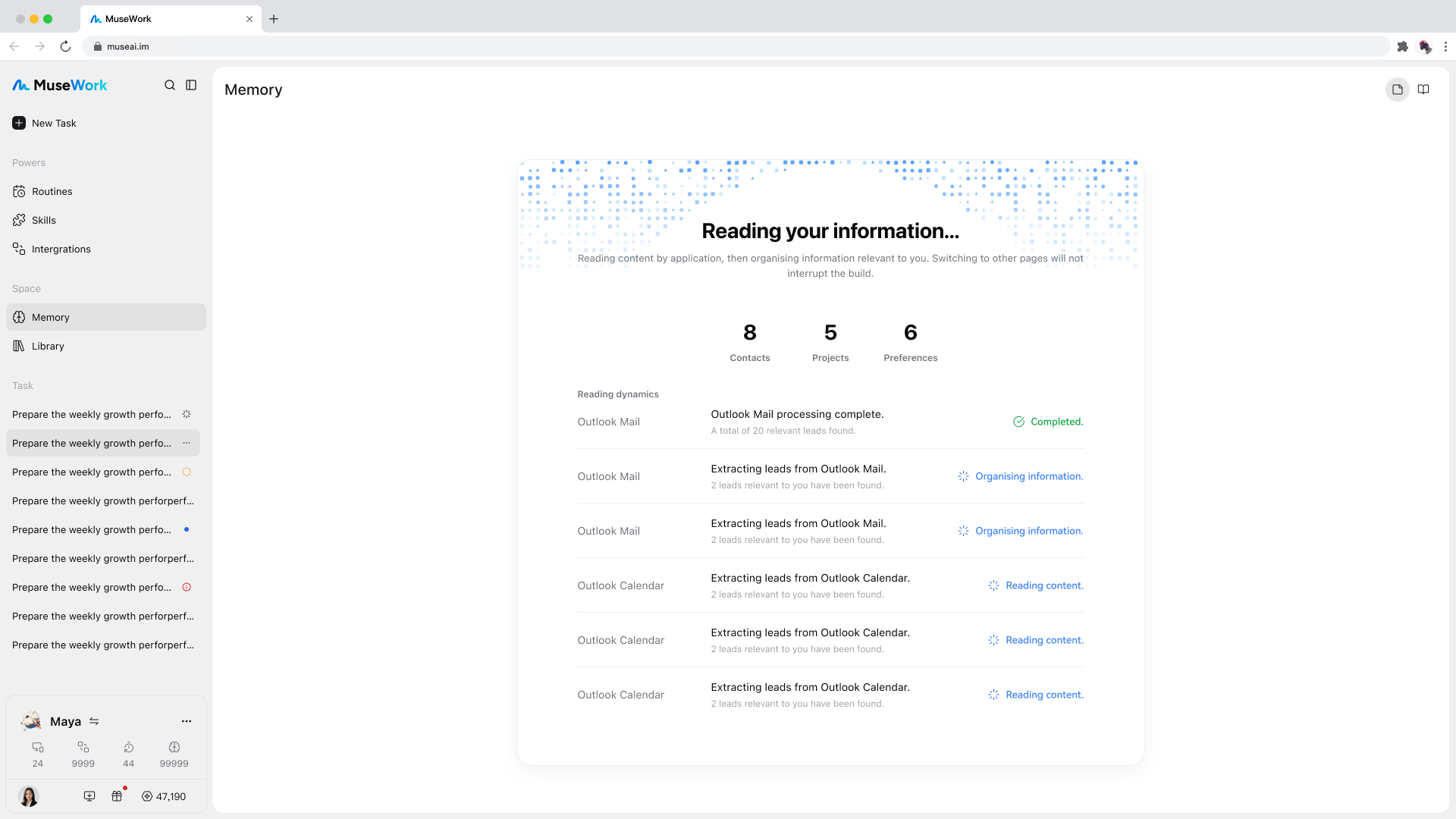
Explore the context behind a record
The overview brings together a personal summary, records with source references, and a view of how information connects. Browse recent updates, goals and plans, projects, preferences and principles, people, or a timeline. Topic sections and the source archive offer other ways to find your bearings.
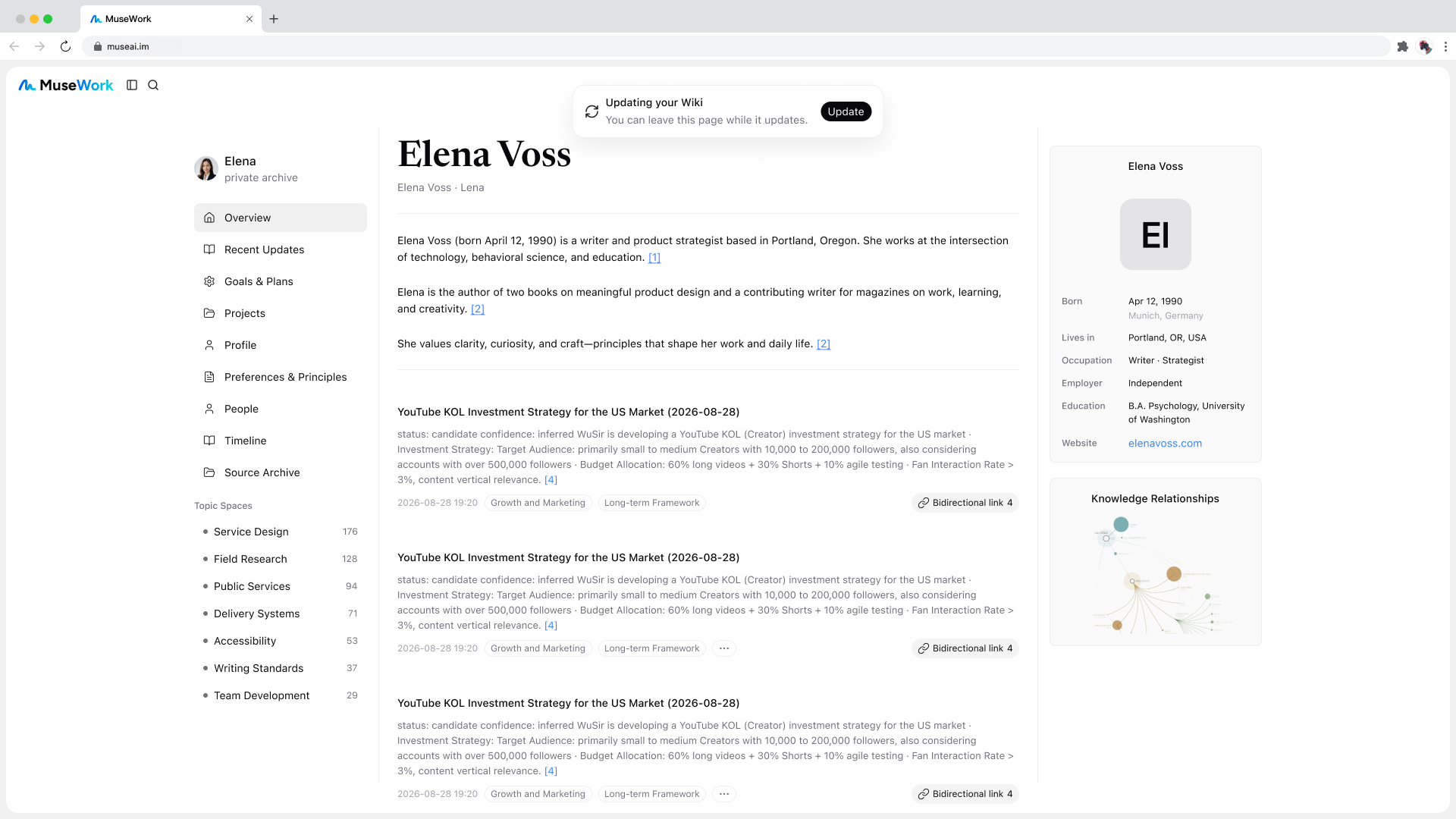
Records include source references, and you can open a list of related records to follow the connections. Before returning to a project, for example, you can review its earlier decisions and related discussions rather than starting from a single isolated note.
Add the background only you can give
When a section has no content yet, Memory offers a way to start a conversation: share a goal, explain how you like to work, or introduce someone important to you. You can add context in your own words, not just through connected sources.
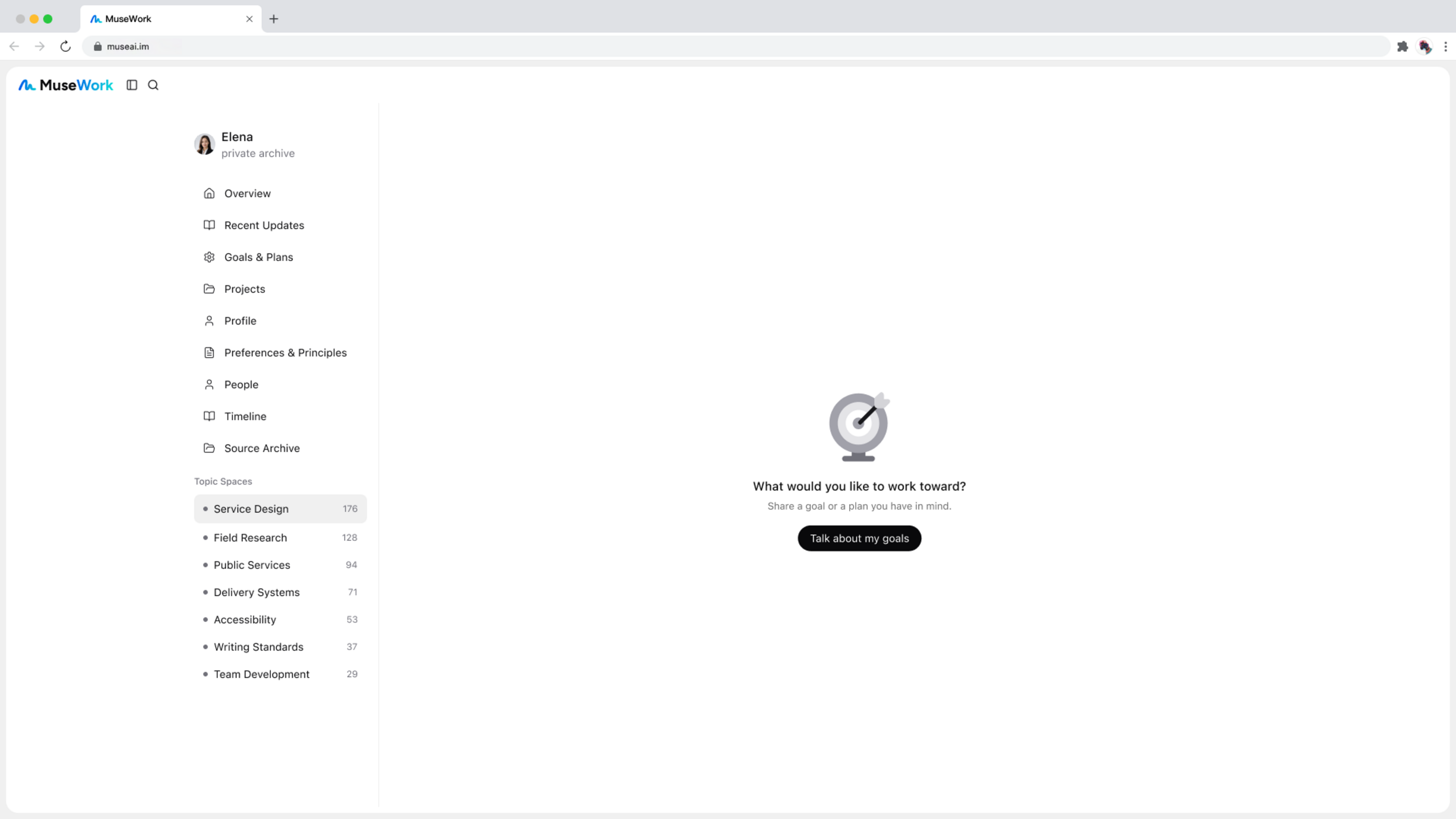
The existing list of individual memories remains available. This update adds a way to explore the broader context around those details.